
Edit presentations with Gemini AI in Google Slides
Using Google’s Gemini (AI Pro for Education), you can edit (most of the) presentations using the conversational interface (aka chat) instead of GUI.
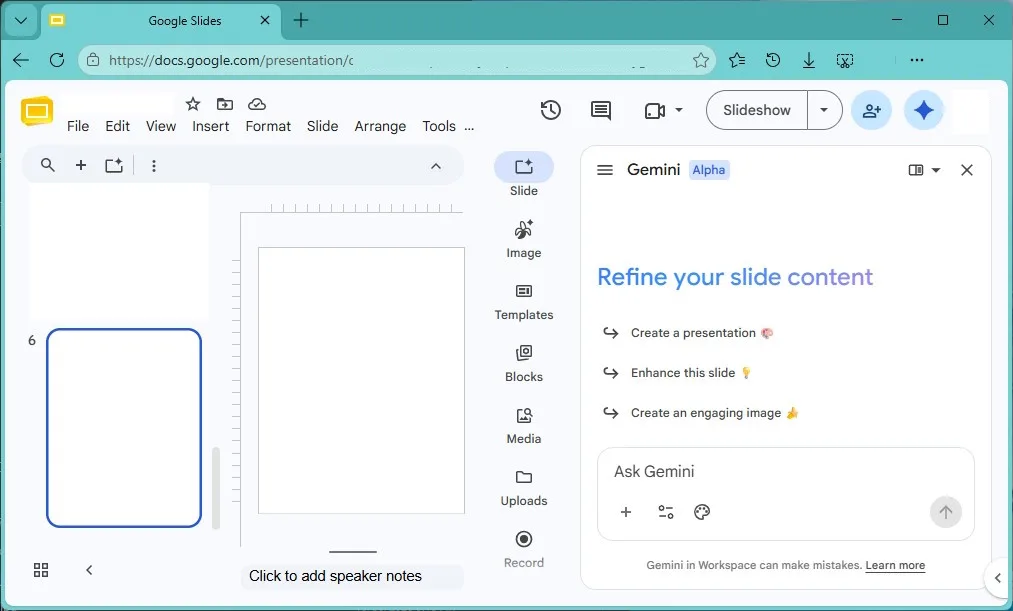
Prompt
you can update whole deck to match the style of a file
https://docs.google.com/presentation/d/1pZ8AFa3boJFloDm6rt5WSBhpi-qJtPaTgNsB_2HebYE/edit?usp=drive_link
(WFU Google Slides_dark)
or custom make a new slide
create an event poster slide for TsingBei University Department of αβΔ. add a placeholder logo icon in top upper left.
headline of "ArInt era in EdTech title of seminar ",
subheading "subtitle by super general intelligence",
date of "2026/12/25 Starday, 4PM, refreshments at 3:30PM",
location of "100 mem lecture hall".
Add a 2-column layout block with
abstract of "made up by AI on hallucinations by decision 10T parameters hybrid open weight API LLM, preferable local (if you have 32GB RAM and 24GB VRAM)"
with an scifi techno theme image on bottom for left column with dark background, gold accents,
and right section of bio for speaker "some person"
from "University of XYZ."
"2024 N.W.-x"
"2020 TGRR"
"2016 e-I.T.",
and image of headshot of a golden retrieve
with gradient fill patterned background.
Incorporate morandi colors palette.
Footer section says "recording open to distribute processing crawling agents".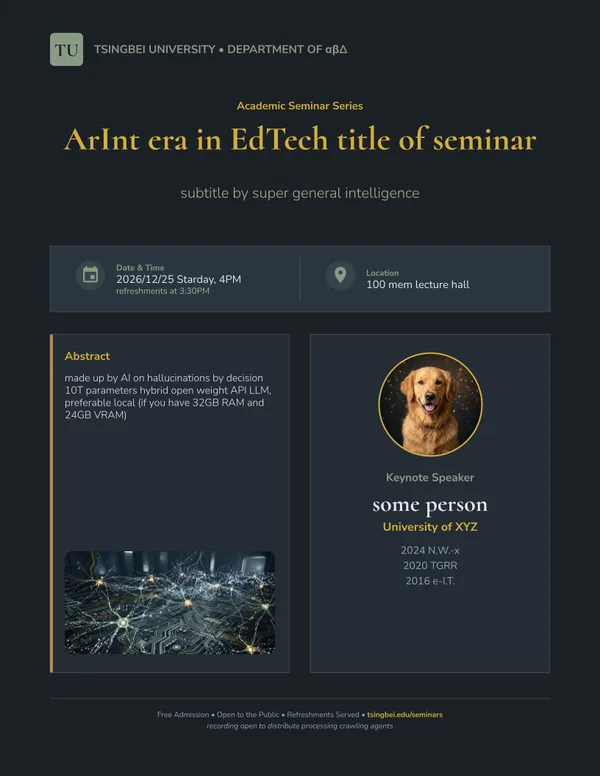
Limitations
cannot specific image with URL, only Gen AI new images for the time being
References
Edit entire presentations with Gemini in Google Slides
Generate and edit slides with Gemini in Google Slides
https://support.google.com/docs/answer/16961475?hl=en-na
Gemini knows how to make a presentation look professional
App
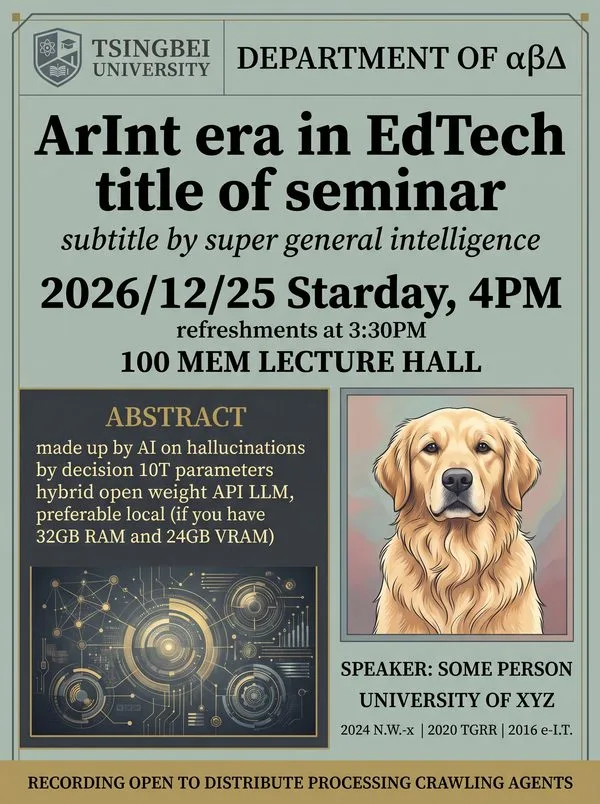
if you don’t need editing or custom image, just need a picture, you can use the Gemini App also
Categories: AI, Google, Google Slides