
Edit presentations with Copilot AI in Microsoft PowerPoint
instead of using the GUI, you can use the “conversational interface” (aka chat) of Microsoft Copilot (M365 Premium) to edit PowerPoint presentation
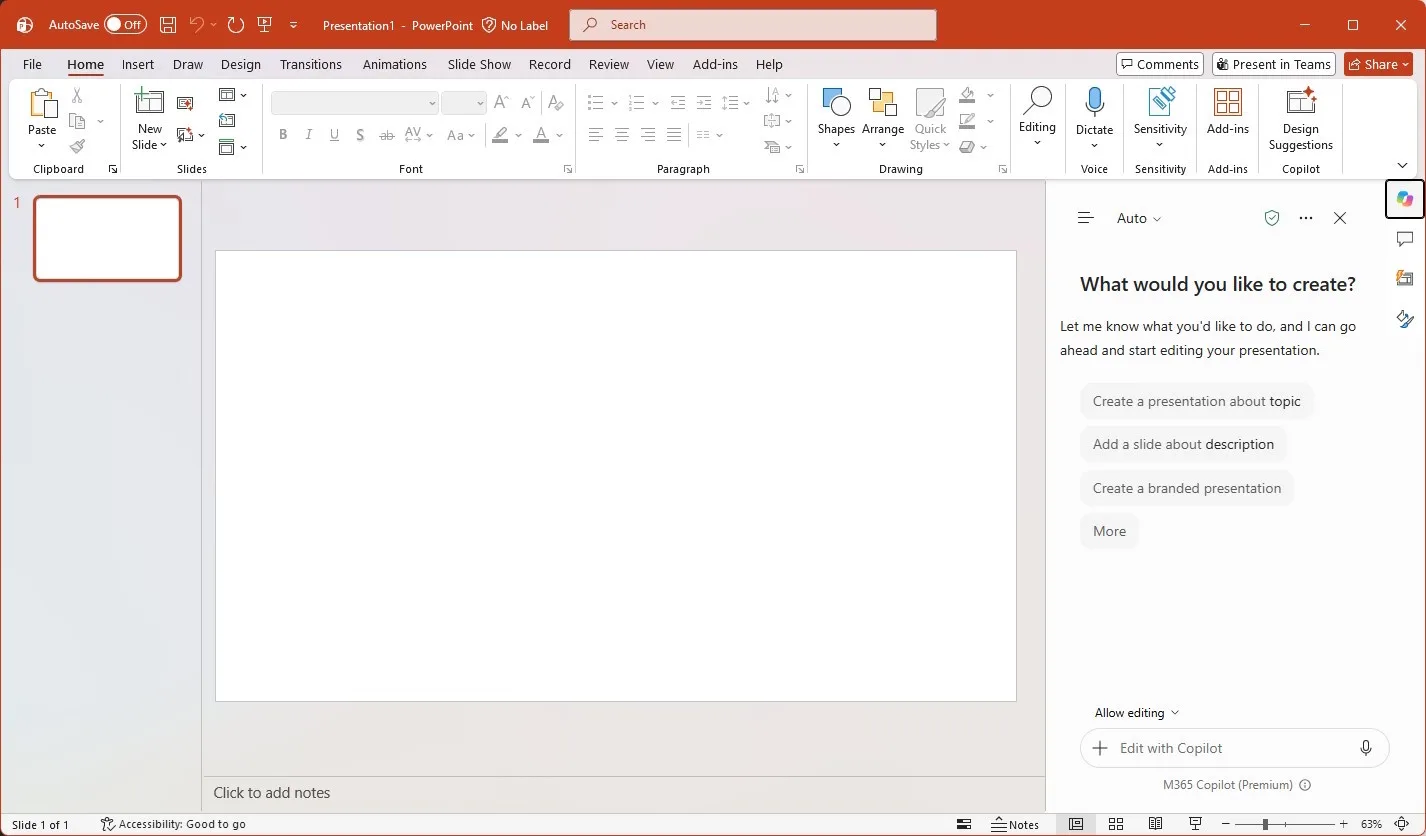
Prompt
create an event poster slide for TsingBei University Department of αβΔ.
add a placeholder logo icon in top upper left.
headline of "ArInt era in EdTech title of seminar ",
subheading "subtitle by super general intelligence",
date of "2026/12/25 Starday, 4PM, refreshments at 3:30PM",
location of "100 mem lecture hall".
Add a 2-column layout block with abstract of "made up by AI on hallucinations by decision 10T parameters hybrid open weight API LLM, preferable local (if you have 32GB RAM and 24GB VRAM)"
with an scifi techno theme image on bottom for left column with dark background, gold accents,
and right section of bio for speaker "some person"
from "University of XYZ."
"2024 N.W.-x"
"2020 TGRR"
"2016 e-I.T.",
and image of headshot of a golden retrieve with gradient fill patterned background.
Incorporate morandi colors palette.
Footer section says "recording open to distribute processing crawling agents". 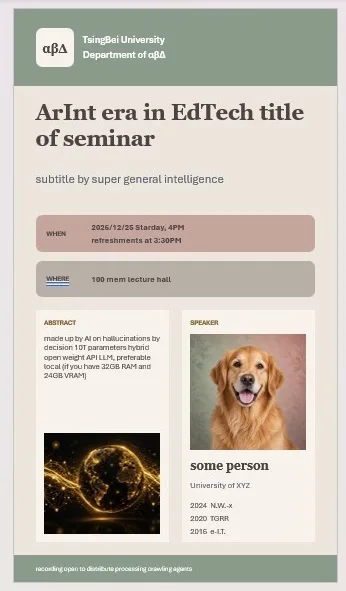
Limitations
you cannot insert an image from URL
Reasoned in step
I couldn't insert the logo. I couldn't download it from that URL because this environment has no access to the internet, so the slide is unchanged.
need Enterprise admin to setup BrandKit to apply corporate template.
Reference
Edit with Copilot in PowerPoint
https://support.microsoft.com/en-us/powerpoint/edit-with-copilot-in-powerpoint
Categories: AI, Microsoft, PowerPoint