
Exporting and Importing a Canvas Course Content Package

ITGs frequently get questions about adding users to old courses so that they can share content with a colleague. Adding users to a Canvas course that are not (or were not) officially part of the course has potential privacy and FERPA concerns.
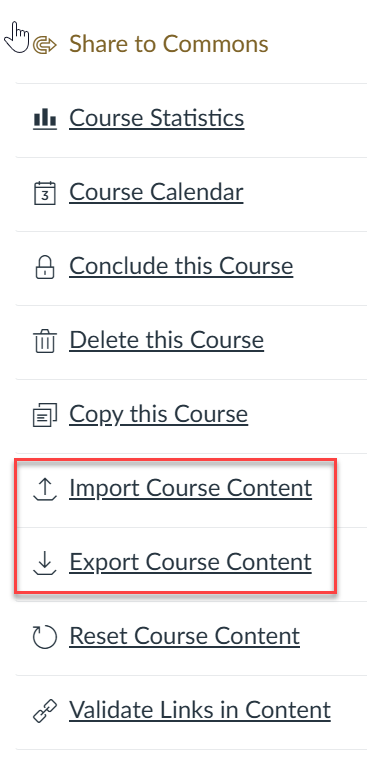
The better way to share content is via Canvas’ course content Export feature.
Here are the official instructions for exporting course content from Instructure.
That process will provide you with an exported course package in the .imsc format. You can send that to the other instructor via email (if it isn’t too big) or via a file share like Google Drive or Dropbox.
The second half of the process is the importing of the content by the other instructor. Here are the instructions for importing a Canvas course package into your Canvas course.
As always, if you have questions, don’t hesitate to contact your assigned ITG member.